To self-enroll in a course or programme, you need a unique enrollment code for that course or programme. This code can only be shared with you by your teachers.
Once you have received the code, open eJournal. At the bottom of the homepage, you will find the option to enroll in a course or programme:
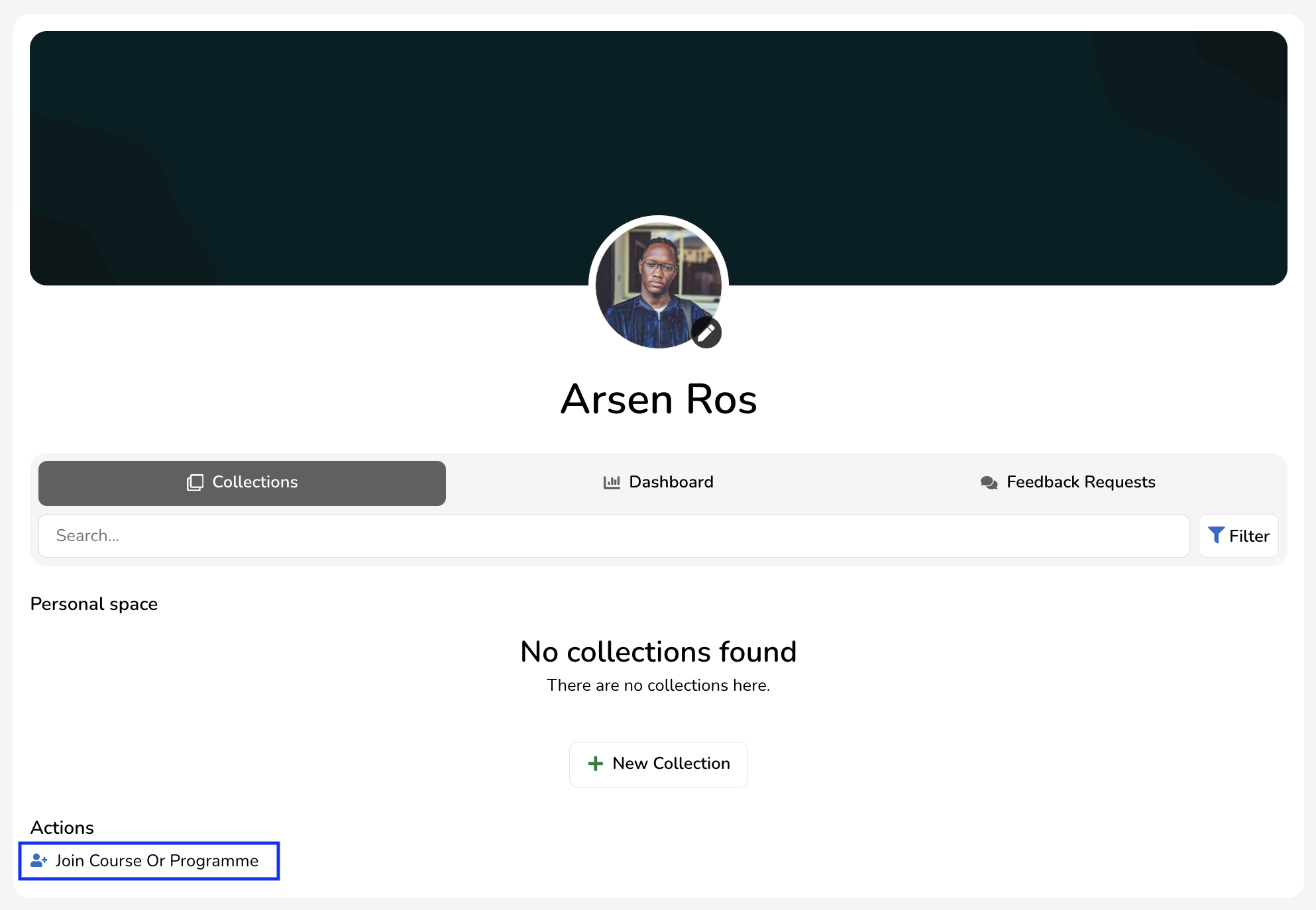
Click the action to open the enrollment window. You will be asked to enter the unique code you received from your teacher.
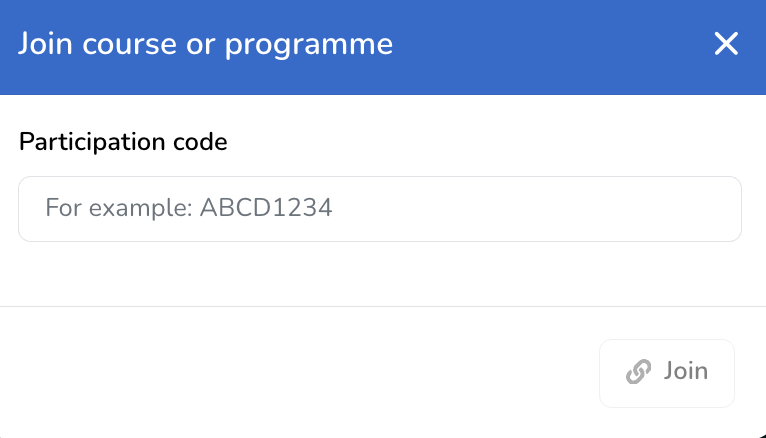
After entering the code, click 'Join'. The course or programme, including any related collections, will then be added to your homepage.