You can allow students to self enroll in a course or programme by using a unique participation code. This can be managed in the course or programme management panel.
Not all institutes have enabled this workflow. For example, some institutes rely entirely on their LMS for enrollment information.
Open the 'Details' tab in the management panel and look for the 'Self enrollment settings'.
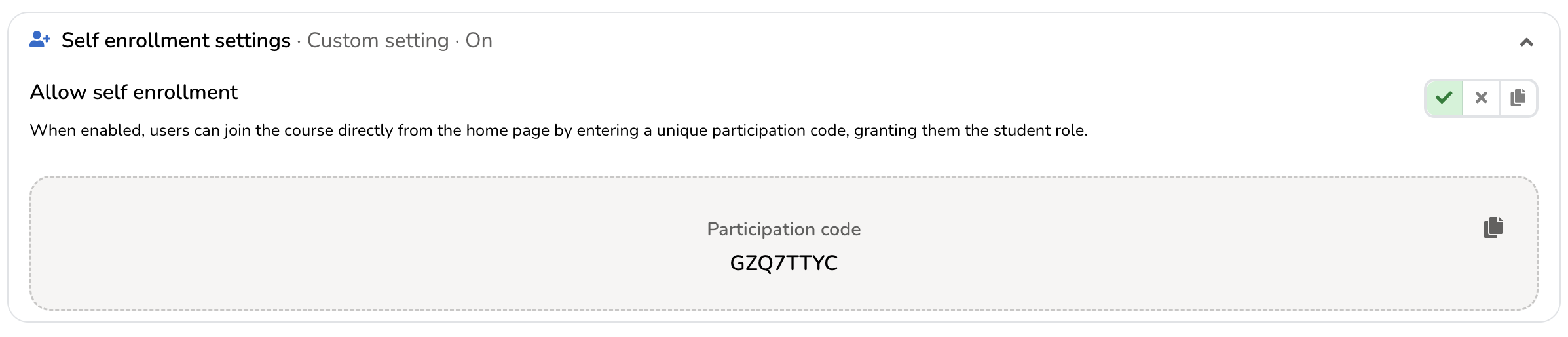
In this section, you can enable self enrollment for the course or programme. Once enabled, you can share the participation code with your students.
Students can then use this code to self enroll. After enrolling, they will get access to the course or programme and any collections linked to it.